Custom GPTs · Master Prompts · PLR Included

Don't Lose the Work Inside Your Custom GPTs

OpenAI plans to retire custom GPTs. Convert Your GPTs to Master Prompts gives you three copy-and-paste prompts to turn a GPT's instructions into a reusable master prompt, then rebrand and sell the package if you like.

3 simple prompts No API key or tool login PLR rights included
Converting a custom GPT into a master prompt
What's Happening

Custom GPTs Have a Retirement Date

If you've built or rely on custom GPTs, here is what OpenAI has published.

OpenAI's announced timeline

According to OpenAI's help center, custom GPTs are scheduled to retire on December 11, 2026, and the change affects all ChatGPT plans. OpenAI recommends plugins as the replacement and offers its own migration option, though migration and plugin access may vary by account or workspace.

  • Existing GPTs can be used until the retirement date.
  • Some things may not carry over automatically, such as starter prompts, chat history and custom actions.
  • Details differ by plan and workspace, so check your own account.
Source: OpenAI Help Center: Custom GPT retirement and migration FAQ. Dates may change.
The Problem

Your Best Instructions Shouldn't Disappear With the Platform

A good custom GPT holds hours of refined instructions and reference material.

A custom GPT's instructions and files

Many creators, coaches and marketers built GPTs that do one job well: write a certain kind of email, run a niche audit, tutor a subject. The value lives in the instructions and the knowledge files behind them.

A master prompt captures that logic in plain text you control. It can be pasted into a ChatGPT conversation and reused, kept in your own files, or adapted to other tools.

Doing that conversion by hand is slow and easy to get wrong. This tool walks you through it.

See How It Works →
Simple Process

Three Prompts. One Reusable Master Prompt.

You paste each prompt into your own ChatGPT conversation and approve every stage.

Extract the Blueprint

The first prompt pulls out the GPT's instructions and the structure of its knowledge files.

Plan the Master Prompt

The second prompt plans how those pieces become a single, well-organized master prompt.

Build, Test & Finalize

The third prompt builds a draft, helps you test it, and finalizes the version you keep.

Only convert GPTs you own or have permission to convert. Check results before relying on them.

The Product

What Is Convert Your GPTs to Master Prompts?

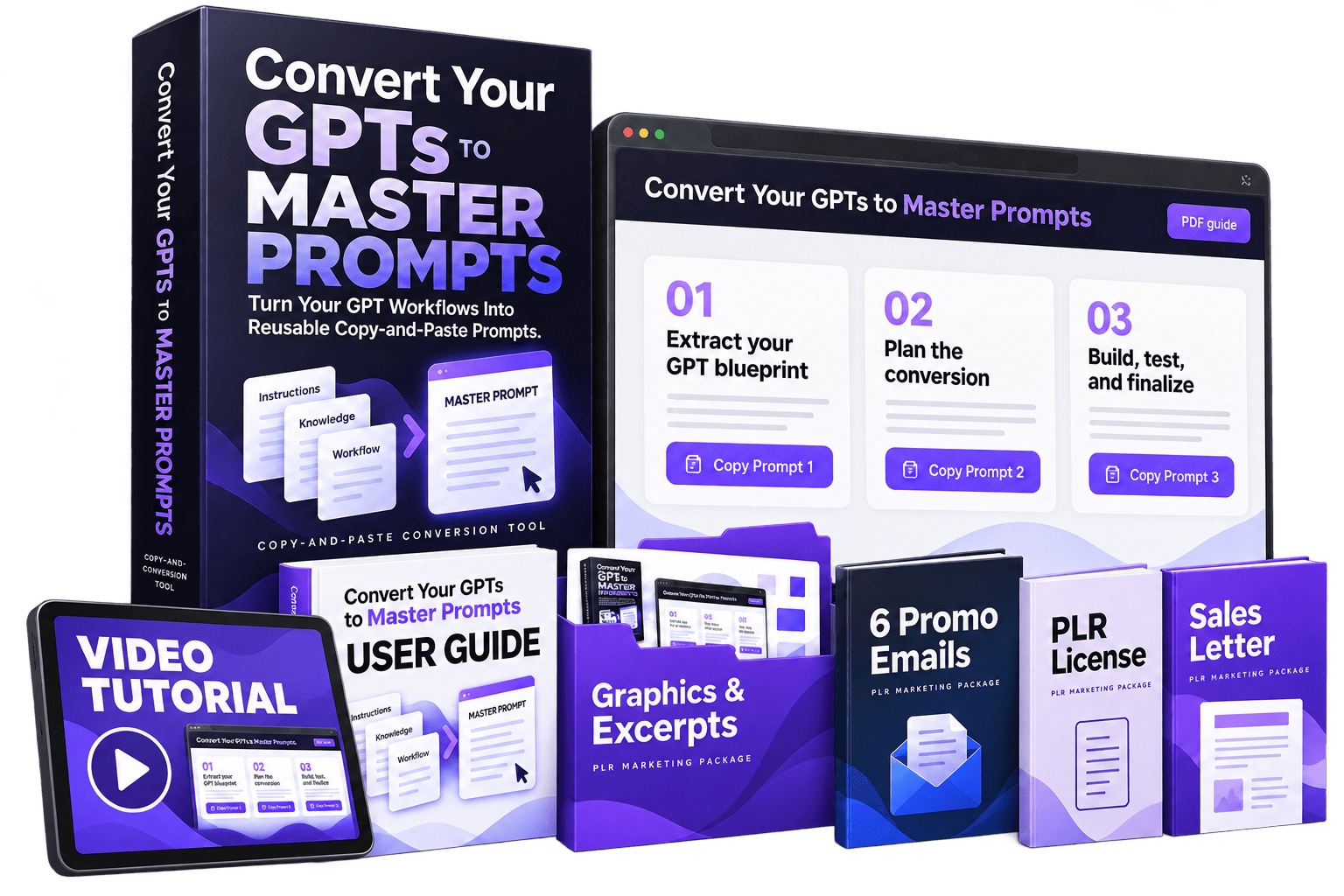
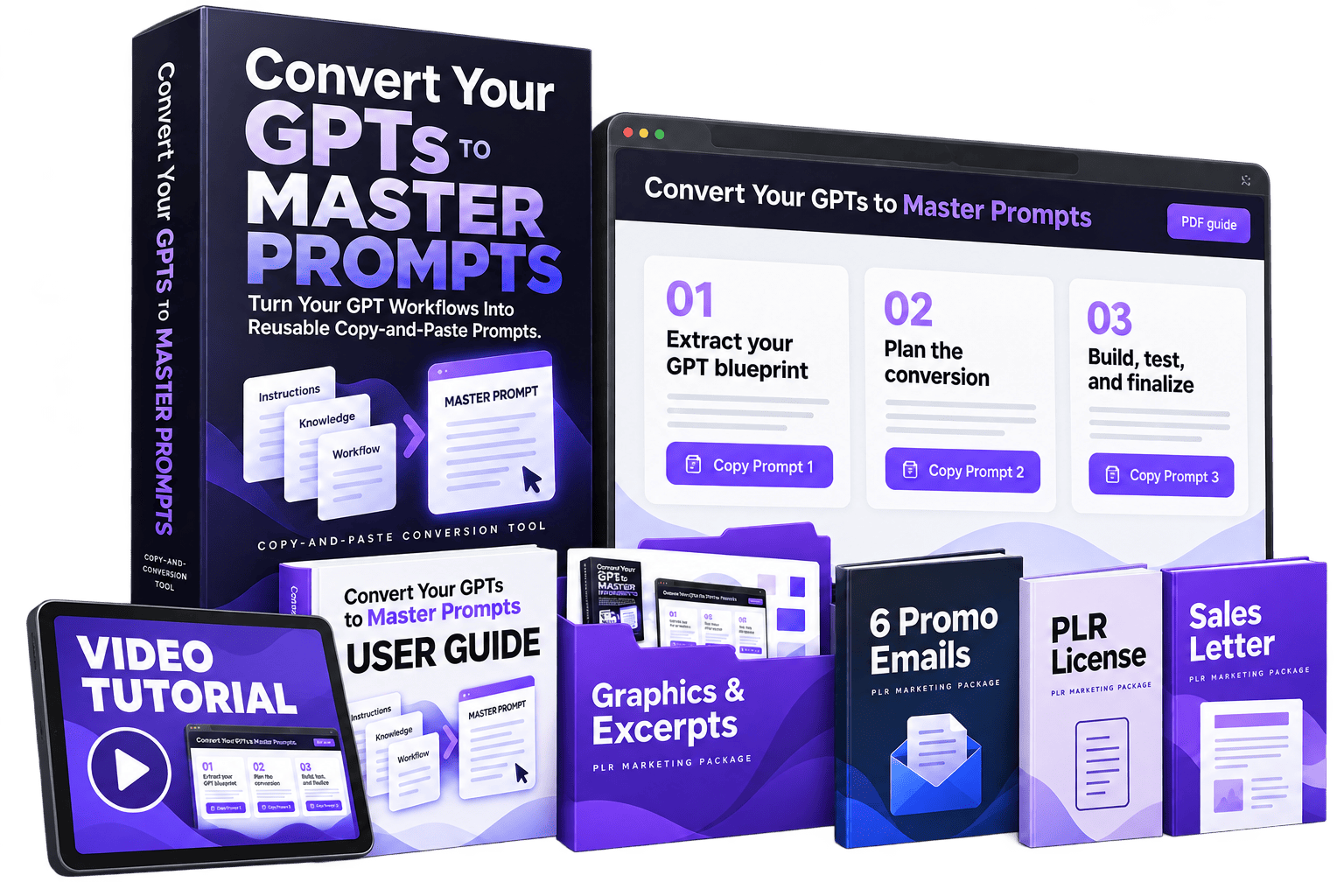
A browser-based tool with three prepared prompts, a user guide and a video tutorial, sold with private label rights.

🧩

3 Prepared Prompts

Copy-and-paste prompts that guide ChatGPT through the conversion, step by step.

📘

System User Guide

A written guide that explains how to use the tool from start to finish.

🎬

Video Tutorial

A walkthrough so you can follow along on screen.

The vendor says no API key, tool login or monthly tool fee is needed. You do need your own ChatGPT account and an internet connection.

PLR Package

Rebrand It and Sell It as Your Own

Private label rights come with a ready-made marketing kit, so you don't start from a blank page.

PLR License

Rebrand and sell the package, and pass PLR rights on to your clients under the supplied license.

Sales Letter

A sales letter with PLR rights you can adapt for your own branded offer.

Graphics & Excerpts

Images and excerpts that show the package.

6 Promo Emails

Ready-written emails to announce your version.

25 Social Posts

Posts you can schedule for your channels.

5 Video Short Scripts

Scripts for short-form videos.

Read the supplied license for exactly what you can and can't do.

Get Instant Access →
Ways To Use It

Who Can Put This to Work

GPT creators

Preserve the logic of GPTs you've built.

Marketers & coaches

Keep your signature prompts and frameworks portable.

Educators

Save tutor-style GPTs as prompts you can share with students.

PLR sellers

Add a timely product to your catalog under your own brand.

Is It For You?

Who This Is For (and Who Should Skip It)

It's a focused tool for a specific problem.

Good fit if you…

  • Have custom GPTs you want to keep using in another form
  • Prefer a prompt you control over depending on one platform
  • Sell or want to sell PLR products around AI tools
  • Are comfortable pasting prompts into ChatGPT

Probably not for you if…

  • You don't use custom GPTs
  • You want an automatic, one-click migration
  • You need GPT actions or API integrations rebuilt for you
  • You want to copy GPTs that belong to someone else
Balanced View

Pros and Cons

What works in its favor, and what to keep in mind.

Pros

  • Simple three-step process with a guide and video
  • No extra tool login, API key or monthly fee for the tool
  • You keep control of each stage
  • PLR package with sales letter, emails, posts and scripts
  • Low one-time price

Things to keep in mind

  • It relies on your own ChatGPT account
  • The result is a prompt, not a full replacement for GPT actions or tools
  • OpenAI offers its own migration to plugins, which may suit some users better
  • Converted prompts need testing before you rely on them
  • The vendor's page doesn't state a refund guarantee, and optional upgrades are offered after checkout
Know Before You Buy

Set Realistic Expectations

A master prompt is a practical backup, not a perfect clone.

Converting a GPT into a prompt captures its instructions and the logic of its files. It may not match the original exactly, and features like custom actions or connected tools aren't reproduced by a prompt.

The vendor's sales page doesn't state a refund guarantee, so review the order page and the license terms before you buy. If you plan to resell, results depend on your marketing and audience, and no income is guaranteed.

Behind The Product

Who Created It?

Michel Sirois

Michel Sirois

Scalable PLR Products

Convert Your GPTs to Master Prompts is published by Michel Sirois of Scalable PLR Products, who creates PLR packages and tools for marketers and course creators.

Common Questions

Frequently Asked Questions

What does it do?

It gives you three copy-and-paste prompts that guide ChatGPT through extracting a custom GPT's blueprint, planning a master prompt, and building and testing a draft you can reuse.

Is OpenAI really retiring custom GPTs?

OpenAI's help center says custom GPTs are scheduled to retire on December 11, 2026, with plugins as the recommended replacement. Migration and plugin access may vary by account or workspace, so check the latest information from OpenAI.

What do I need before starting?

A personal ChatGPT account, an internet connection, and a GPT you own or have permission to convert.

Do I need an API key or a paid tool?

The vendor states no API key, tool login or monthly tool fee is required. ChatGPT itself may have its own plan costs.

Can I reuse the finished master prompt?

Yes. It's plain text you can paste into new ChatGPT conversations and keep in your own files.

Can I rebrand and sell it?

Yes. The package includes a PLR license, sales letter, graphics, emails, social posts and video short scripts. Read the supplied license for exact terms.

Is there a refund guarantee?

The vendor's sales page doesn't state one. Check the order page for current refund terms before you buy.
Ready to Keep Your GPT Work Portable?

See the full details and the current offer on the official page.

Get Instant Access → Instant digital access
Get Instant Access →